Teaching with Web 2.0 Tools and
Technologies!

Hello fellow educators!
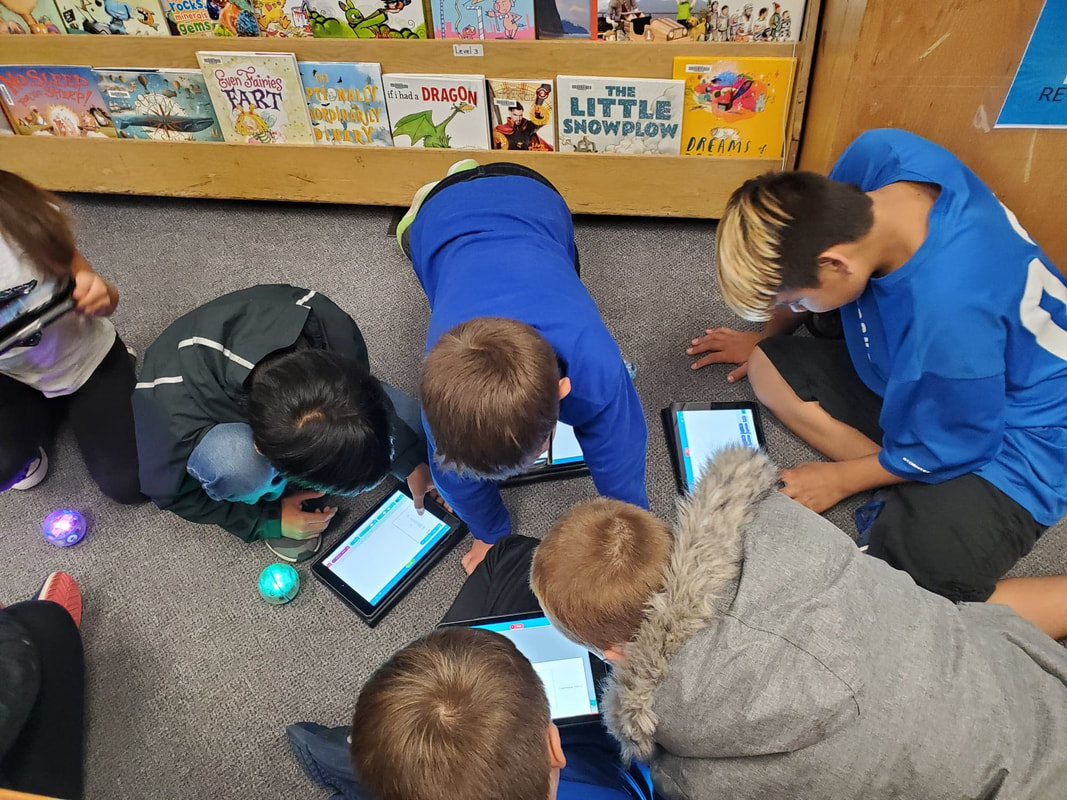
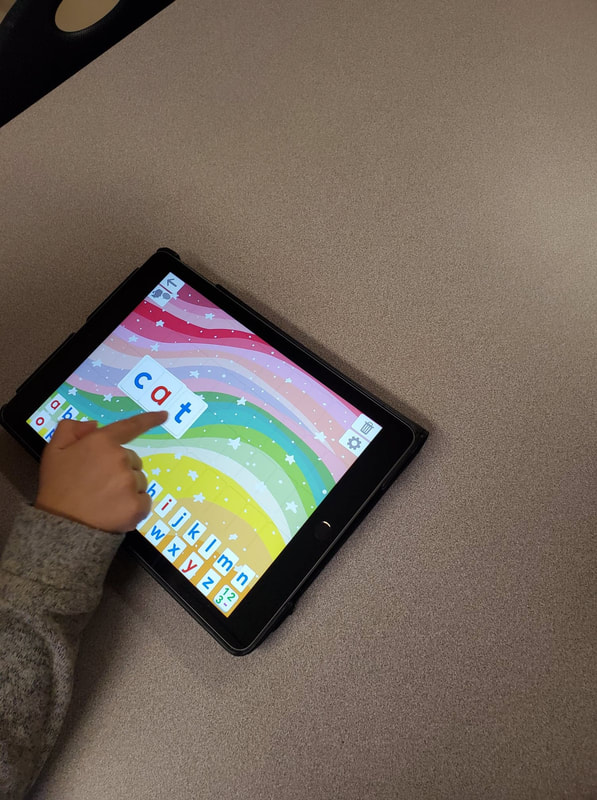
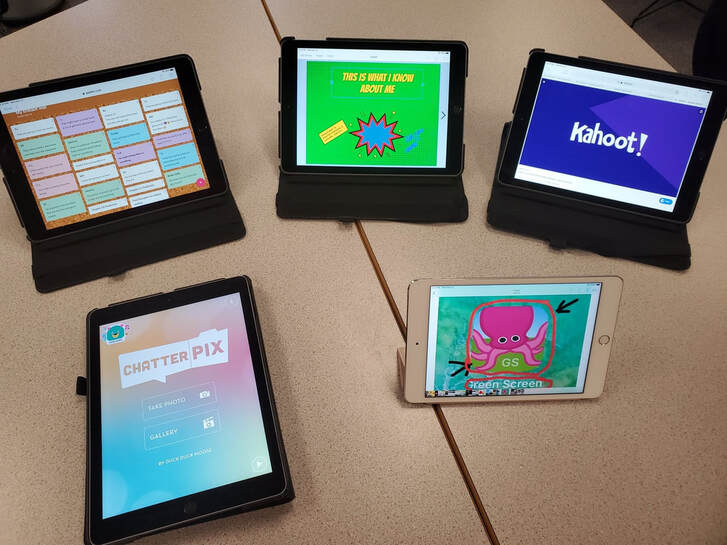
This is a website designed to introduce a few specific web 2.0 tools, technologies, and resources for use in my grade K-7 school. These are tools that I have become familiar with, and intend to share with staff members and students. I've used each web tool, or app, with students so that teachers are able to see students they know interact with these technologies. Included with each description is an example and tutorial. This is a beginning
"toolbox" and I hope to add more as our students become more familiar with technology possibilities.
Before delving into the website, let's consider a few key questions.
Why Use Technology in the Classroom?
Rapidly evolving technology is a reality in our world. 21st century learning and teaching is changing to meet these needs. Both teachers and students are adapting as a result. Curriculum and learning frameworks now specifically outline the importance that technology plays in learning-and this spans all grades.
Web technologies, tools, and apps can contribute to exciting learning opportunities and enhance the academic growth of students. They can also support teachers in their lessons, benefitting both learners and educators. From this we can see the importance that technology can play in our teaching. The use of technology allows students an opportunity to develop skills in a range of academic areas. Moreover, it provides opportunities to create, design and collaborate in multiple forums. It offers more opportunities for learning.
Janelle Cox, an educational writer, lists 10 reasons why technology benefits students and teachers:
What technology will you need to operate these tools and apps?
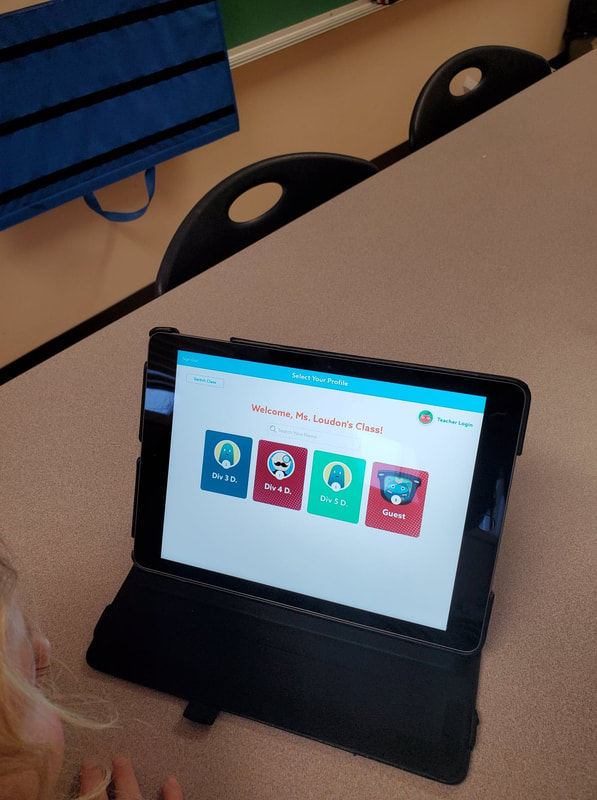
All of the tools and apps discussed on this website can be used on an ipad, laptop or mobile device. Since we are an ipad district, with ipads in every class, using an ipad is a good choice.
This is a website designed to introduce a few specific web 2.0 tools, technologies, and resources for use in my grade K-7 school. These are tools that I have become familiar with, and intend to share with staff members and students. I've used each web tool, or app, with students so that teachers are able to see students they know interact with these technologies. Included with each description is an example and tutorial. This is a beginning
"toolbox" and I hope to add more as our students become more familiar with technology possibilities.
Before delving into the website, let's consider a few key questions.
Why Use Technology in the Classroom?
Rapidly evolving technology is a reality in our world. 21st century learning and teaching is changing to meet these needs. Both teachers and students are adapting as a result. Curriculum and learning frameworks now specifically outline the importance that technology plays in learning-and this spans all grades.
Web technologies, tools, and apps can contribute to exciting learning opportunities and enhance the academic growth of students. They can also support teachers in their lessons, benefitting both learners and educators. From this we can see the importance that technology can play in our teaching. The use of technology allows students an opportunity to develop skills in a range of academic areas. Moreover, it provides opportunities to create, design and collaborate in multiple forums. It offers more opportunities for learning.
Janelle Cox, an educational writer, lists 10 reasons why technology benefits students and teachers:
- Technology is the already predominant, and is the way of the future
- It can help reach all students (differentiation, engagement)
- Students already are tech savvy and aware
- Technology encourages collaboration
- Technology is engaging
- Teachers can be facilitators in this area while students take a lead
- Technology can help students take more ownership of their learning
- Students and teachers can constantly have access to current information
- Technology can be more cost effective than textbooks
- Technology is fun
What technology will you need to operate these tools and apps?
All of the tools and apps discussed on this website can be used on an ipad, laptop or mobile device. Since we are an ipad district, with ipads in every class, using an ipad is a good choice.